


Why Annual Renewal Reminders Shouldn’t Be Fully Automated
A printing company asked us to automate three renewal emails. We built them something better: a My Day dashboard that does everything except press Send. The Job One of our
Annual Planning Without the Two-Day Spreadsheet Marathon
Every Q4, a metals processor we work with builds its annual operating plan for the following year. This year, they wanted to go a level deeper – planning by product
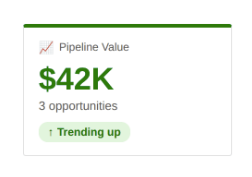
Where Are We With This? Two Smart Controls That Just Tell You
Every day, people at your company ask questions the CRM already knows the answer to. Where are we with this quote? Who has the baton on this order? When’s the

Why Sales Quotes Go Cold — and the One Screen That Fixed It
Every salesperson’s day includes following up on quotes. Call the customer, find out where things stand, keep the deal moving. It is about as basic as sales gets. At a
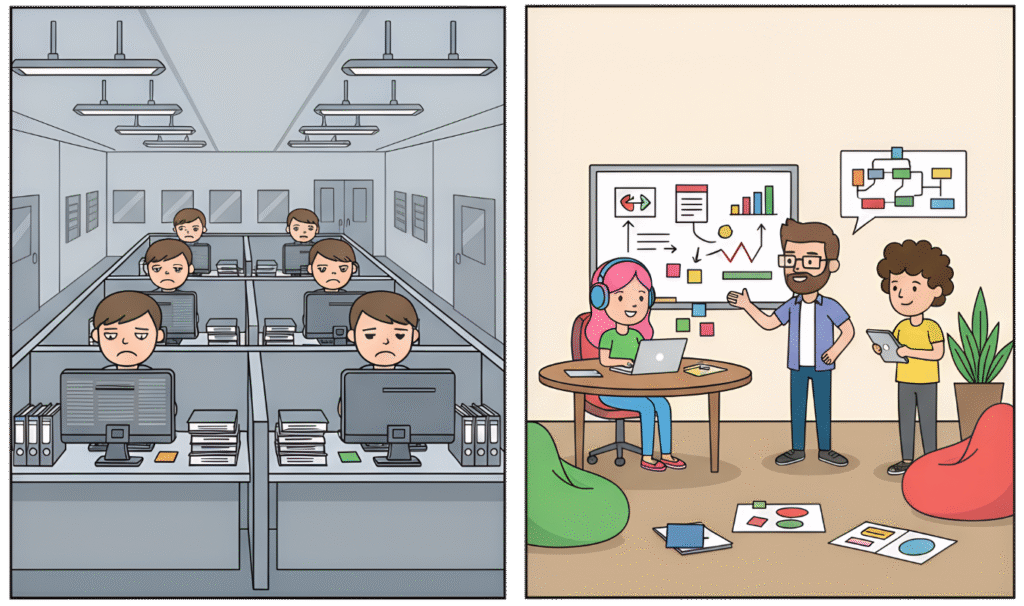
Qualify Leads Your Way – Not Microsoft’s Way
Microsoft’s standard Lead Qualification tool does exactly one thing: it converts a Lead into an Account, Contact, and Opportunity. If your business sells the way Microsoft assumes every business sells,

Two Small Tools That Save Your Dynamics 365 Team Hours Every Week
Not every CRM problem needs a big solution. Some of the most time-consuming friction in a Dynamics 365 system comes from small, repetitive tasks – building a quick list, or

Your Customer Called About an Email You Didn’t Send. Now What?
A customer calls asking about “that email” they got last week. You have no idea what they’re talking about – because it came from marketing, and marketing emails live in

Your CRM Already Knows. It’s Just Not Telling Anyone
Somewhere in your Dynamics 365 system, there’s a view that matters. “Accounts with planned revenue but no sales activity in 180 days.” “Invoices over 90 days past due.” “Service tickets
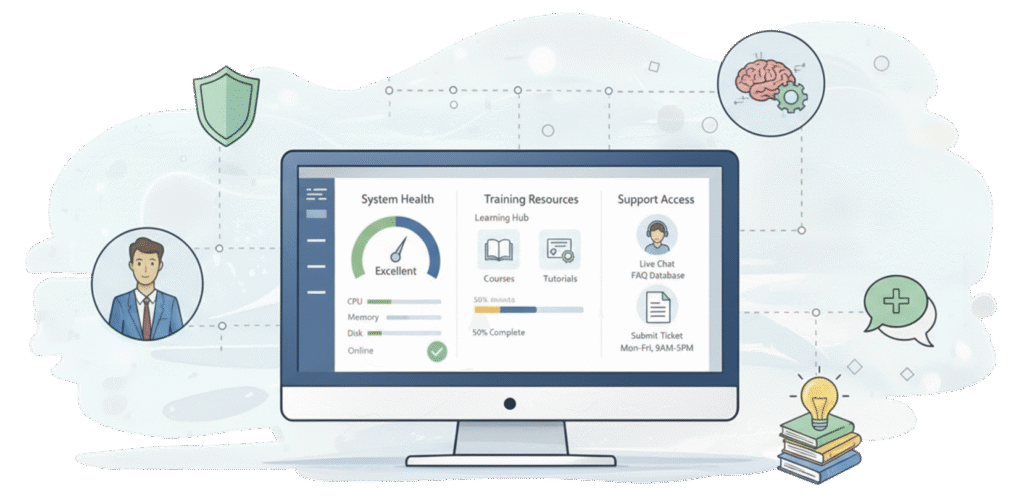
Five Tools Microsoft Doesn’t Give You (But Every Dynamics 365 Team Needs)
Your Dynamics 365 license gives you a CRM. It doesn’t give you a training library your team will actually use, visibility into who’s using the system and how, a reliable