
Filtering Views in Dynamics 365 and Power Apps
This article was updated to reflect current Dynamics 365 and Power Apps functionality. This article is part of our complete guide to Views in Dynamics


This article was updated to reflect current Dynamics 365 and Power Apps functionality. This article is part of our complete guide to Views in Dynamics
This article was updated to reflect current Dynamics 365 and Power Apps functionality. This article is part of our complete guide to Views in Dynamics

This article was updated to reflect current Dynamics 365 and Power Apps functionality. This article is part of our complete guide to Views in Dynamics

This article was updated to reflect current Dynamics 365 and Power Apps functionality. This article is part of our complete guide to Views in Dynamics
This article was updated to reflect current Dynamics 365 and Power Apps functionality. This article is part of our complete guide to Views in Dynamics
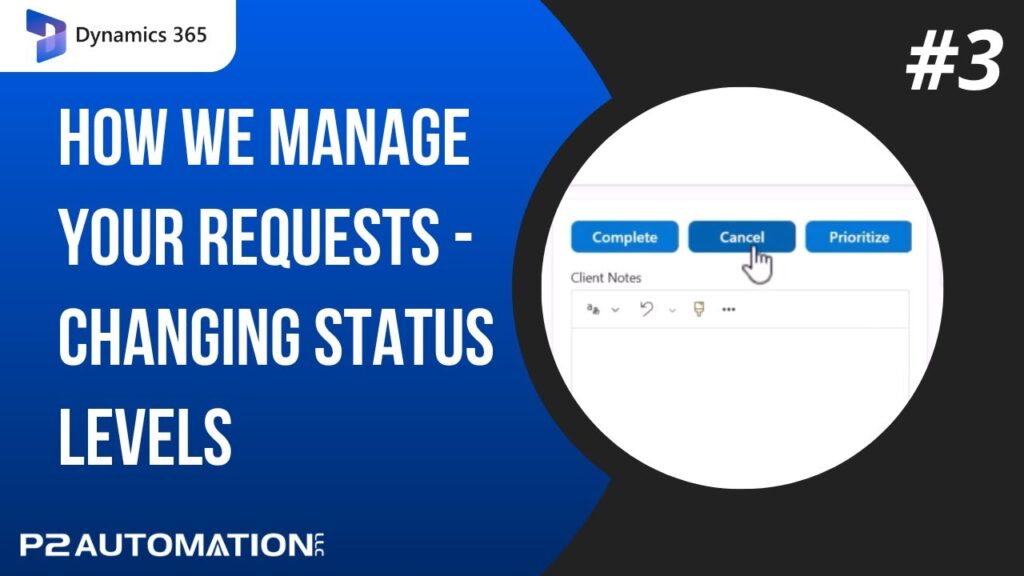
At P2 Automation, we believe transparency goes both ways. That’s why our System Issues module gives you the ability to update task statuses directly from

At P2 Automation, we want to make it easy for you to see everything we’re working on for your team. With our System Issues module
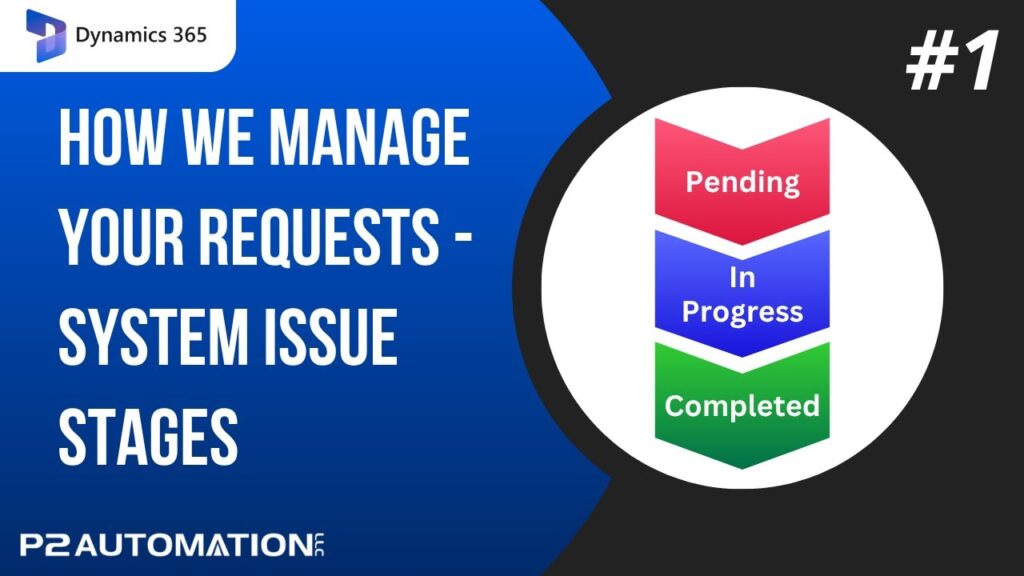
At P2 Automation, we know how frustrating it can be to wait for updates on your requests. That’s why we built the System Issues feature
Managing activities in Dynamics 365 can feel overwhelming. Between the Timeline, filters, and countless activity types, it’s easy to lose sight of what really matters—finding

In the Not Your Grandfather’s CRM series, we’ve been exploring how modern CRM systems built on Microsoft Dynamics 365 and Power Apps can streamline business