You’re traveling to Cleveland next week. Who should you call?
You need a list. Customers in the area. Prospects worth visiting. Contacts who’ve gone cold. But CRM doesn’t make this easy. So you export to Excel, build your list there, and work from a spreadsheet. P2 Tags lets you mark the records that matter, work from them directly in CRM, and remove the tags when you’re done.
The Problem With Lists
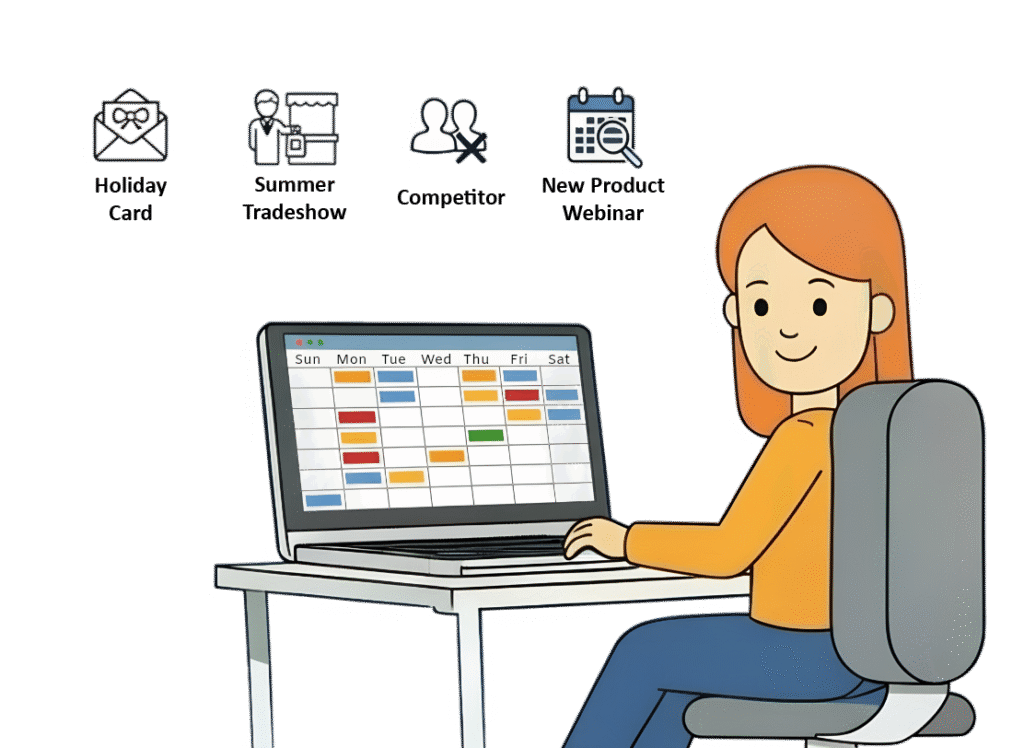
You’re planning a territory visit. Or putting together a cross-sell campaign. Or following up with people who attended a trade show. Or compiling your holiday card list.
You need to group a specific set of records. But your options aren’t great:
Export to Excel. Build your list in a spreadsheet, work from it, then manually update CRM later. It works, but it’s clunky and you’re working outside the system.
Create a custom field. Add a checkbox or dropdown. But now you’ve cluttered your CRM with a field that’s only relevant for this one event. And when the event is over, the field is still there forever.
Use Marketing Lists. If you even have access to them. Marketing Lists are powerful, but they’re not intuitive for salespeople who don’t use them daily. And in lower-cost CRM licenses, they’re not available at all.
So you go with Excel. Because it’s easier than fighting the system.
What P2 Tags Does
Mark Records and Move On
P2 Tags gives you a simple way to group and categorize records, without exporting, without custom fields, without Marketing Lists.
You create a tag. You apply it to the records that matter. You work from that list. When you’re done, you remove the tags.
Here’s what that looks like in practice:
Territory trip to Cleveland. Tag 15 customers, 8 prospects, and 3 quiet contacts. Work your list during travel. Remove tags when done.
Trade show follow-up. Import 200 new leads. Tag them “2025 Trade Show.” Also tag existing contacts who attended. Work the entire group from one list.
Cross-sell campaign. Marketing creates “Q1 Cross-Sell” and asks the Sales Team to tag customers who might need Product B. Build the campaign from tagged records.
Holiday cards and gifts. Tag key contacts for year-end communication. Work from the list as you send cards. Clean up in January.
Product interest tracking. Tag leads who’ve expressed interest in specific solutions. When new offerings launch, you know exactly who to reach.
Tags are flexible. You can apply multiple tags to the same record. You can limit which record types a tag appears on. And you can remove tags whenever they’ve served their purpose, keeping your CRM clean and focused.
What You Get
Included with P2 Control Layer Plans
P2 Tags are part of the P2 Control Layer – a set of tools we build, support, and maintain for clients who want their CRM to work the way their teams actually work.
When you get P2 Tags, you get:
Setup and configuration tailored to your needs. We’ll help you think through which tags make sense and how to structure them.
Ongoing support. Need to adjust how tags work? Want to add new tag types? We handle it.
Training for your team. We make sure your salespeople and marketing team know how to use tags effectively.
This isn’t a feature you turn on and figure out yourself. It’s a capability we support over time.
Pricing: P2 Tags are included at no additional cost with our Managed Service Plans. It’s also available through Control Layer Plans (starting at $545/month for Foundation + 1 Solution).