Better tools for teams already on Dynamics 365.
Over the years, one pattern has shown up again and again in the companies we work with.
They made the investment in Microsoft Dynamics 365. They got the system stood up. Their team is using it — mostly. But somewhere between what the platform can do and how their team actually works, there’s a gap. Reports don’t get checked because nobody remembers to log in. Automations break quietly and nobody catches it. Sales reps skip the qualification steps because the process feels clunky. Emails go out inconsistently because there’s no standard way to do it.
The platform isn’t the problem. The gap is.
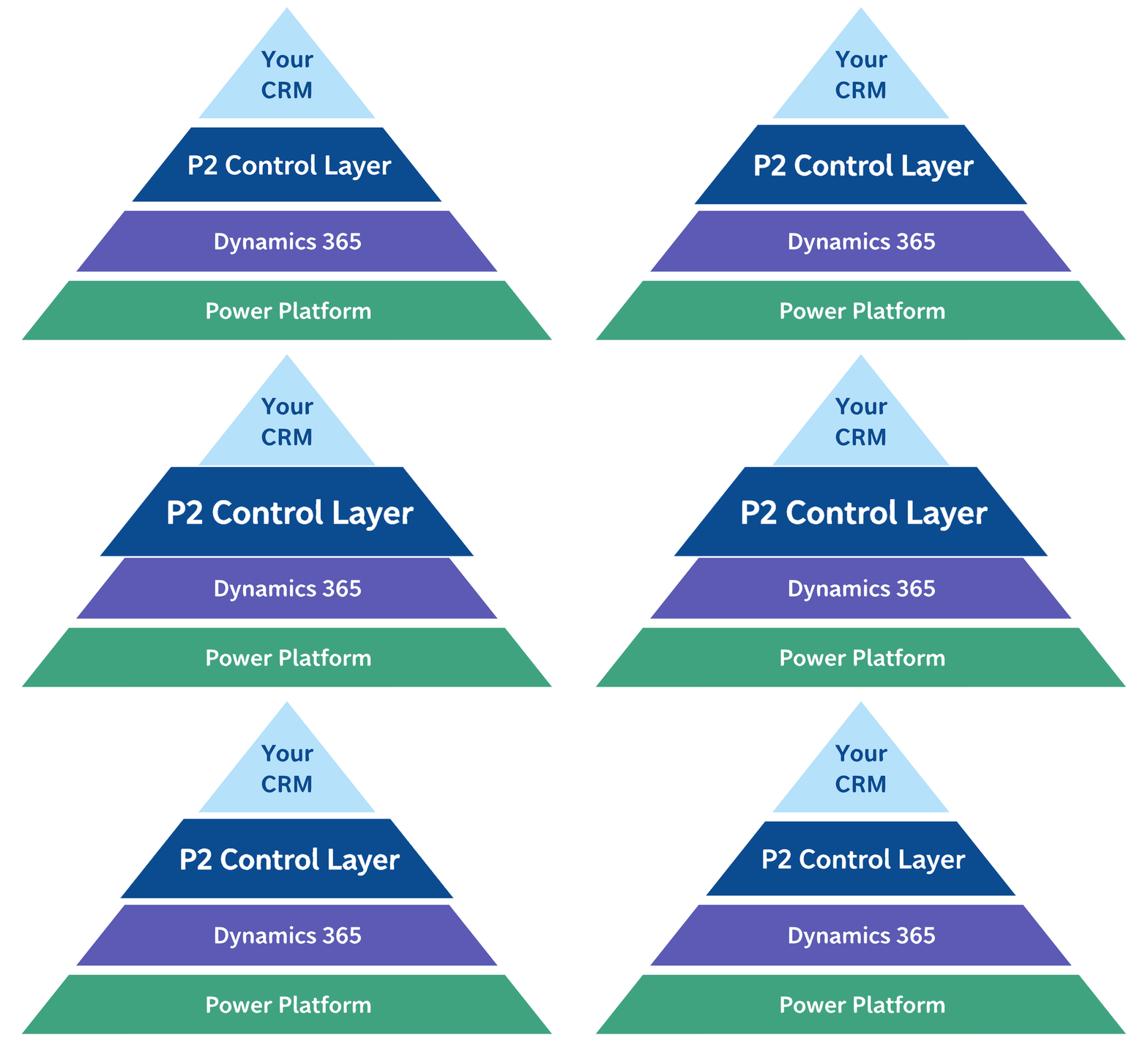
We built the P2 Control Layer to fill that gap.
What Is the P2 Control Layer?
The Control Layer is a suite of tools that sit on top of your existing Dynamics 365 environment and make it more usable for the people who rely on it every day. These aren’t custom development projects that require months of planning — they’re ready-to-deploy solutions we’ve refined across dozens of client deployments, available on a simple monthly subscription.
Every plan starts with our Foundation, which includes:
- Learning Center with video training for your team
- System Utilization Monitor so you can see who’s actually using the CRM
- System Issues Module to track requests and our work transparently
- Automation Monitor so you know your workflows are running
- Link Views / Reporting Center for centralized report access
- Quarterly check-in calls and email support
From there, you select the Solutions that match your specific pain points:
View Scheduler
Automatically delivers the CRM views your team needs — directly to their inbox, on whatever schedule makes sense. No more hoping people remember to log in and check.
Activity Center
Every call, email, and customer interaction in one place. Stop hunting across records trying to piece together what happened with an account.
P2 Tags
Group records for campaigns, territory visits, or one-off projects without adding permanent custom fields that clutter your system.
Send Wizard
A guided, repeatable process for sending quotes, confirmations, and standard communications. Consistent output every time, without relying on people to remember the steps.
Lead Qualifier
A custom-built qualification tool tailored to your sales process — not a generic checklist, but something that actually fits how your team qualifies a lead.
Who This Is For
The P2 Control Layer is designed for teams with 10 or more Dynamics 365 users who have their own IT support — either an internal team or an outside partner — managing their environment. You don’t need us for everything. You just need better tools.
Pricing starts at $395/month for smaller teams (10–25 users) on Foundation only, scaling based on team size and the solutions you choose. There’s a one-time setup fee, no long-term contract required, and a live demo environment where you can see everything working before you commit.
If you’re not sure whether the Control Layer is right for you or whether our full Managed Services would be a better fit, that’s exactly what the demo conversation is for.
Why Now?
We’ve been building and refining these tools with our managed service clients for years. The Control Layer is how we’re making them available to a wider group of Dynamics 365 users who are running their own systems but want better operational tooling — without taking on a full consulting engagement.
If you’ve ever thought “I know we’re not getting everything we could out of this system,” the Control Layer is where to start.
Ready to see it in action? Schedule a Demo in our live environment — or call us at 860-426-8029.