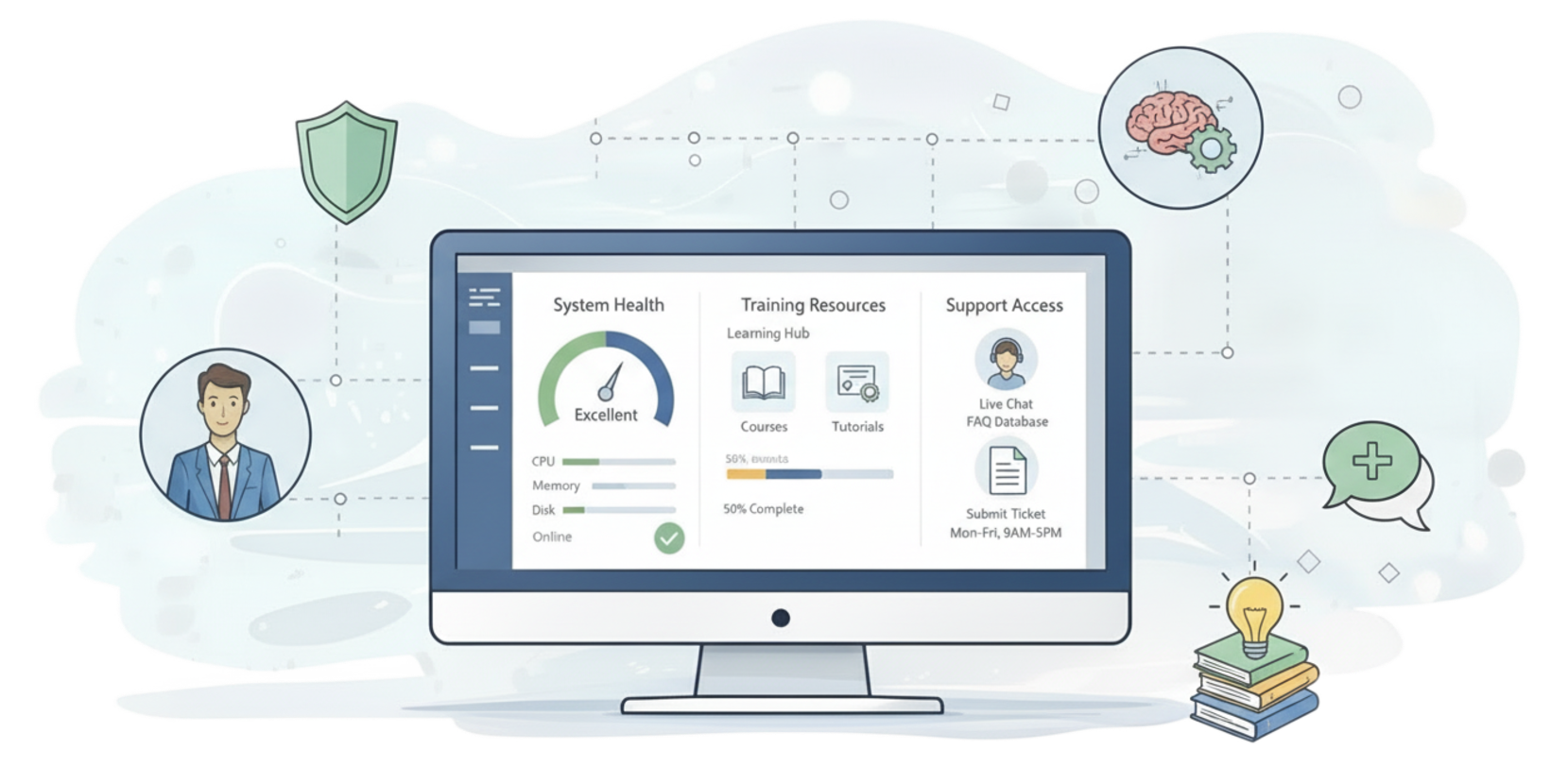
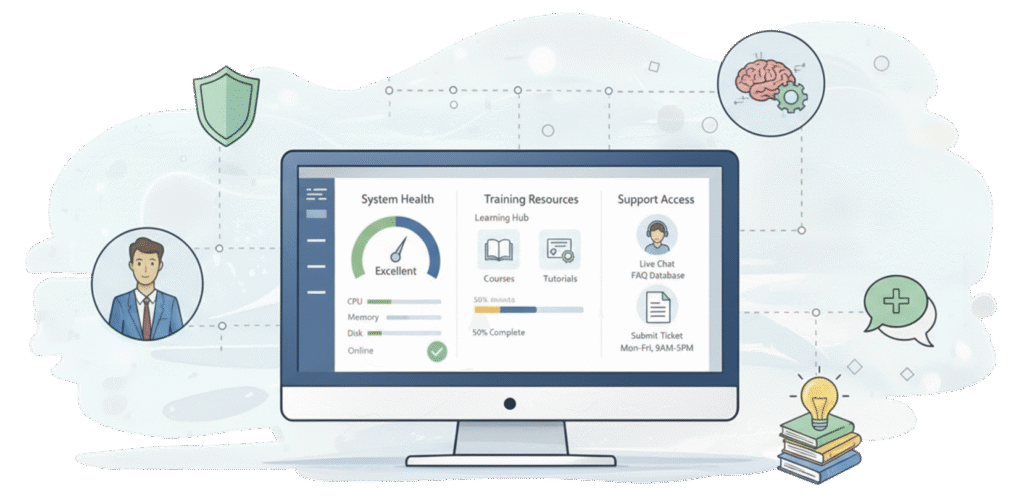
Your Dynamics 365 license gives you a CRM. It doesn’t give you a training library your team will actually use, visibility into who’s using the system and how, a reliable way to know when a background workflow silently fails, a place to track what your support team is doing for you, or a shortcut to the reports and documents your team hunts for every week.
Those aren’t edge cases. They’re the five gaps we see in nearly every Dynamics 365 environment we’ve ever touched – regardless of industry, team size, or how well the original implementation went. We call the fix Foundation, and it’s included in every P2 Control Layer plan.
1. Learning Center – training people actually watch
Nobody watches a 45-minute training video, and nobody reads a 60-page manual. Learning Center is a short-form video library built directly into your CRM – generic Dynamics 365 how-to content out of the box, plus the option to add your own company-specific videos or have us build ones that match your exact process. It lives where your team already works, so there’s no separate login and no hunting for a link someone sent six months ago.
2. System Utilization Monitor – visibility into what’s actually happening
Most managers can’t answer a simple question: is my team actually using the CRM, and if so, how? System Utilization Monitor tracks activity across the system – which views get opened, which records get updated, which features never get touched. It’s the difference between assuming adoption is fine and actually knowing where training or process needs attention.
3. Automation Monitor – a dashboard for the things you can’t see
Workflows, data connectors, and integrations run quietly in the background – until they don’t. Automation Monitor gives you a simple status view: green means everything’s running, red means something needs attention. No more finding out a workflow died three weeks ago because someone finally noticed the missing data.
4. System Issues – know what’s happening with your requests
You email your CRM partner with a request and then wonder: is anyone working on it? Did it get lost? System Issues brings that visibility inside your CRM – submit requests, track status, and see progress without a single “just checking in” email.
5. Link Views / Reporting Center – stop hunting for the report
Reports, processes, and reference documents end up scattered across SharePoint, shared drives, and old email attachments. Link Views centralizes access to the things your team looks for constantly, right inside the CRM they’re already using.
None of these five tools are flashy. That’s the point. They’re the operational infrastructure that keeps a Dynamics 365 deployment healthy long after the excitement of go-live wears off – and they’re the reason a Foundation-only plan is often the easiest, lowest-friction way to start with the P2 Control Layer.
See the full Foundation lineup: https://www.p2automation.com/foundation-tools