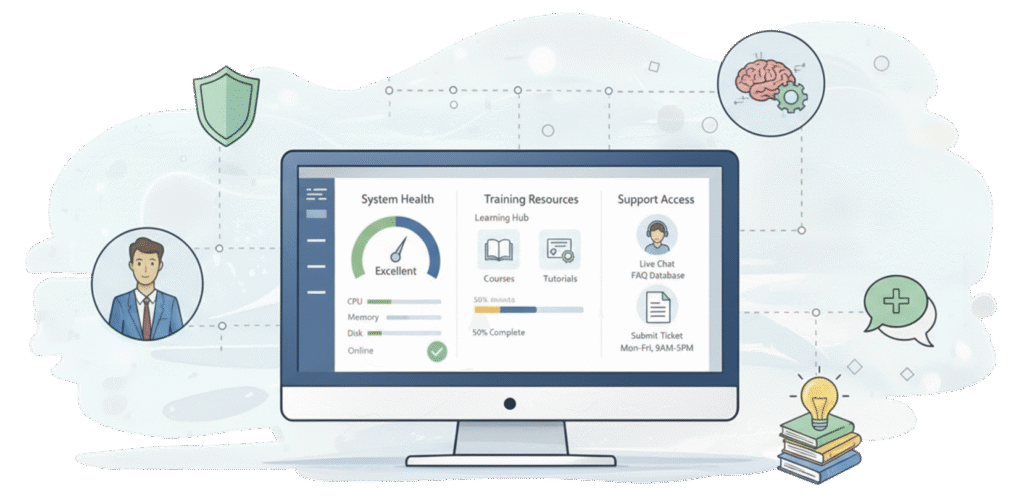
The baseline that keeps your system running smoothly.
Every P2 Control Layer Plan and Managed Service Plan starts with Foundation—a set of core tools that give you visibility, support, and control over your Dynamics 365 environment. Whether you add Primary Solutions or not, Foundation ensures your team has what they need to stay productive and supported.
What You’re Not Getting Anywhere Else
Microsoft Gives You the Platform. We Give You the Support.
Your Dynamics 365 license gives you a CRM. But it doesn’t give you:
A training library that actually gets used
Visibility into who’s using the system and how
A way to track your requests and our work for you
Monitoring for your back-office workflows
Easy access to your reports and documents
That’s what Foundation is for. It’s the operational infrastructure that most teams need but few CRM systems provide out of the box.
What’s Included in Foundation
Five Tools. One Goal: Keep Your System Running.
Learning Center
The Problem: Your team needs training, but nobody watches 45-minute videos or reads dense manuals.
The Solution: A video library built into your CRM with short, focused how-to content. We provide generic Dynamics 365 training videos covering common tasks. You can also upload your own company-specific content, or we’ll build custom how-to videos that follow your exact business processes. Everything lives where your team is already working—no separate login, no hunting for resources.
Who uses this: Admins who want to onboard new users quickly. Managers who need their teams to learn specific workflows. Anyone who’s tired of answering the same “how do I…” questions. Learn more.
System Utilization
The Problem: You have no idea if people are actually using your CRM—or where they’re spending their time when they do.
The Solution: Track user activity across your system. See which views are being accessed, which records are being updated, which features are getting used. Great for managers who need adoption visibility and admins who want to identify underutilized features or areas where users are struggling.
Who uses this: Managers tracking team adoption. Admins identifying training needs. Leadership measuring CRM ROI. Learn more.
Automation Monitor
The Problem: Back-office workflows, data connectors, and integrations run in the background—until they don’t. And you don’t find out until something breaks.
The Solution: Simple dashboard showing the status of your workflows, data integrations, and automated processes. Green means good, red means attention needed. Used by local admins to verify everything is working as expected without manually checking each workflow.
Who uses this: Admins responsible for system health. Operations teams relying on critical integrations. Anyone who’s been burned by a silent workflow failure. Learn more.
System Issues
The Problem: You submit requests to our team via email, then wonder what happened to them. Is anyone working on it? When will it be done? Did it get lost?
The Solution: Integrated with our project management system, this module gives you visibility into everything we’re working on for you. Submit new requests, track progress, update priorities, and see status—all from within your CRM. No more “checking in” emails or wondering where things stand.
Who uses this: Anyone who needs to request work from us. Admins coordinating multiple projects. Managers who want visibility into what’s being delivered. Learn more.
Lead Qualifier
The Problem: Your lead qualification process is unique to your business—but generic CRM lead forms don’t capture what you actually need to know.
The Solution: Custom-built lead qualification tool tailored to your specific sales process. We design the questions, the workflow, and the data structure around how you actually qualify and route leads.
Who needs this: Organizations with complex or specialized lead qualification requirements that don’t fit standard CRM patterns. Learn more.
Link Views / Reporting Center
The Problem: Important reports, company processes, and HR documents are scattered across SharePoint, network drives, and various systems. Nobody can find anything.
The Solution: Centralized place within your CRM to access frequently used reports, processes, and documents. Think of it as a curated resource library that lives where your team is already working. No more hunting through folders or asking “where’s that report again?”
Who uses this: Anyone who regularly accesses company reports or documentation. Teams tired of hunting through SharePoint. Organizations wanting to consolidate resource access. Learn more.
Why Foundation Matters
This Isn’t Just a “Nice to Have”
Foundation tools solve real operational problems:
Reduced support burden – Learning Center means fewer “how do I…” questions eating up admin time.
Better adoption visibility – System Utilization shows you who’s using the system and where they’re stuck.
Proactive problem-solving – Automation Monitor catches issues before they become emergencies.
Clear communication – System Issues keeps everyone aligned on what’s being worked on.
Faster access to information – Link Views eliminates the “where’s that report” tax on productivity.
These aren’t flashy features. They’re the foundational infrastructure that keeps a CRM deployment healthy and your team productive.
Foundation + Primary Solutions
Foundation Is Just the Beginning
Foundation gives you the baseline. Primary Solutions solve specific operational challenges:
We maintain a dedicated demo environment with all Foundation tools installed and configured. Schedule a session and we’ll walk you through each component in a live Dynamics 365 system.